

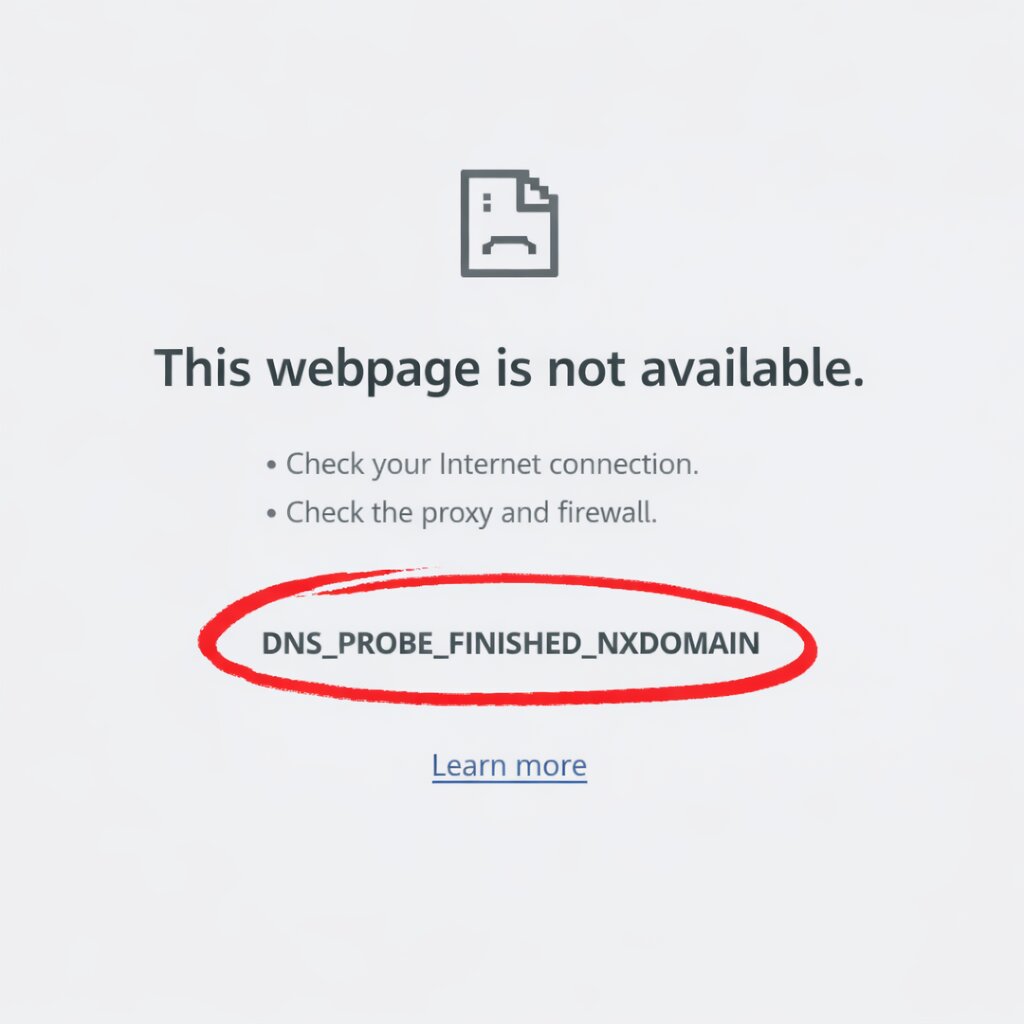
If you have ever got the message “DNS probe finished nxdomain” while opening a website, you are not experiencing it alone. Many users are facing this frustrating error that’s so common actually. But it’s usually quite easy to fix.
How to Fix It
This blog helps you properly fix the DNS probe finished nxdomain error, that simply happens when:
- Your browser fails to find the website’s IP address
- The domain name cannot be resolved
- Your internet is not connected properly and the settings are not working
Shortly saying, your system is unable to connect the website name to the correct server.
Who Is This For?
- Beginners and students having basic computer knowledge
- Website owners plus bloggers
- Office workers facing browsing issues
- Anyone using Chrome, Edge, or other browsers
No technical knowledge required.
What You learn
By the end of this blog, you will:
- Completely understand what DNS probe finished nxdomain means
- Know and learn simple methods to fix it
- Get better browsing experience
- Save time through solving the issue by yourself
What Causes the DNS PROBE FINISHED NXDOMAIN Error?
The most common reasons are mentioned here:
- Wrong DNS settings
- Internet connection failure issues
- Corrupt browser cache
- Antivirus or firewall blocking access
- Incorrect domain name
Easy Ways to Fix the Error
Follow these simple steps one by one:
- Check the Website URL
- Make sure it that the website address is correct
- Correct any spelling mistakes
- Try to open another website to confirm the issue
- Restart Your Internet Connection
- Switch off Wi-Fi router
- Wait for about 1–2 minutes
- Turn it back on
- Reconnect your device the internet
- Clear Browser Cache
- Open the browser settings
- Clear cache and cookies
- Restart the browser again
- Flush DNS Cache
- Open Command Prompt (Windows)
- Type: ipconfig /flushdns
- Press Enter
This refreshes your DNS records.
- Change DNS Server
Try using public DNS like Google DNS:
- Preferred DNS: 8.8.8.8
- Alternate DNS: 8.8.4.4
Steps:
- Open Network Settings
- Go to DNS settings
- Enter the values above
- Disable VPN or Antivirus (Temporarily)
- Turn off VPN
- Disable antivirus briefly
- Check if the issue is fixed
If yes, adjust the settings instead of keeping them off.
- Restart Your Device
- Sometimes, simply restarting the device solves the problem
- It refreshes the whole system settings
Key Reasons to Fix This Issue Quickly
- Helps you access websites without slowdowns
- Enhances browsing performance
- Reduces future connection errors
- Saves time to minimize the frustration
- Keeps your internet settings efficient
Key Takeaways
- DNS probe finished nxdomain representsDNS failure
- Wrong settings or cache issues are mostly the main reason
- Easy fixes include clearing cache and changing DNS
- No advanced technical skills required
- Runs on all major browsers
Pro Tips
- Make a habit of keeping your browser updated
- Avoid connecting to the unknown DNS servers
- Install trusted antivirus software
- Regularly clear your cache
Conclusion
The DNS probe finished nxdomain error may be confusing, but it is quite easy to fix. With the steps shared above, you can easily solve any error within minutes.
Start by checking your URL, then move to DNS settings and cache clearing. Most users fix it with just one or two steps.
If you find this guide helping in solving errors, bookmark it for future use and share it with others who may face the same issue. Staying informed saves time and keeps your internet running smoothly. Read more: err connection timed out